Best Hearing Aids for Bluetooth and Phone Calls in 2027
Compare current hearing aid connectivity and learn how to check streaming, hands-free calls, apps and Auracast with your phone.

The best hearing aids for Bluetooth and phone calls in 2027 are the ones that fit your hearing and work with the devices you actually use. Phonak Audéo EON Sphere, Oticon Reveal and ReSound Sensia are recent options to discuss, but their connectivity depends on the exact hearing aid, phone and software.
This comparison uses U.S. manufacturer information checked on November 20, 2026. It is not a head-to-head test or a complete list. The same families also appear in our 2026 hearing aid comparison; confirm current models and compatibility before choosing.
Streaming and Hands-Free Calling Are Different
Streaming sends the caller's voice or other audio into your hearing aids. Hands-free calling adds a return path, so the other person can hear your voice without you holding the phone to speak. A phone and hearing aid may support one function without supporting the other; the microphone used can vary by combination.
Bluetooth Classic and Bluetooth Low Energy (LE) Audio are different wireless audio approaches. Some hearing aids also use phone-specific streaming systems. The Bluetooth name on a box alone does not establish that your phone, video-call app and hearing aid will work together as you expect.
Three Current Options to Compare
Phonak Audéo EON Sphere
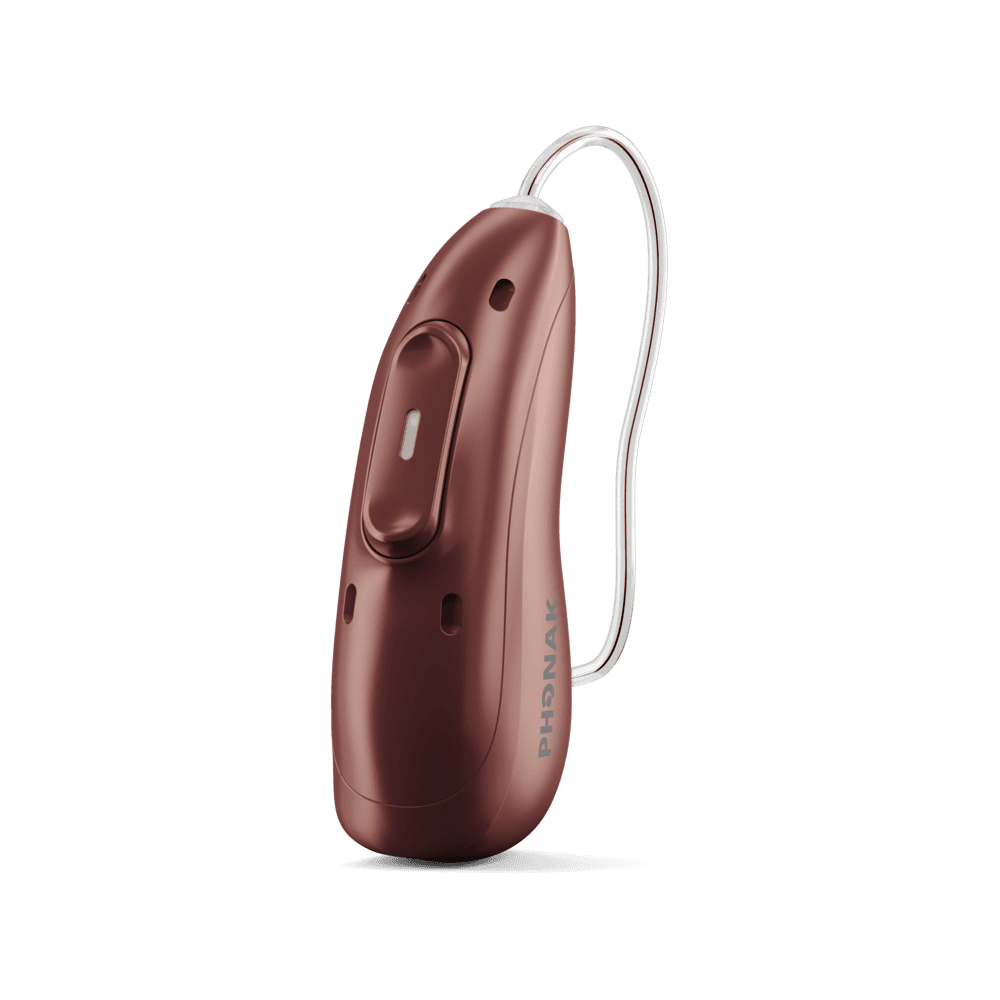
Photo: Phonak.
Phonak's U.S. product and professional pages describe EON's Made For All connectivity as supporting Bluetooth Classic for compatible phones and other devices, hands-free calling and Auracast broadcast audio. Its U.S. guide describes joining a broadcast using the myPhonak app or a compatible phone's Auracast assistant. Broad compatibility is useful, but test your own phone, computer and calling apps before deciding.
Ask: Can I make a hands-free call, switch between my phone and computer and manage a call with this exact fitting?
Oticon Reveal
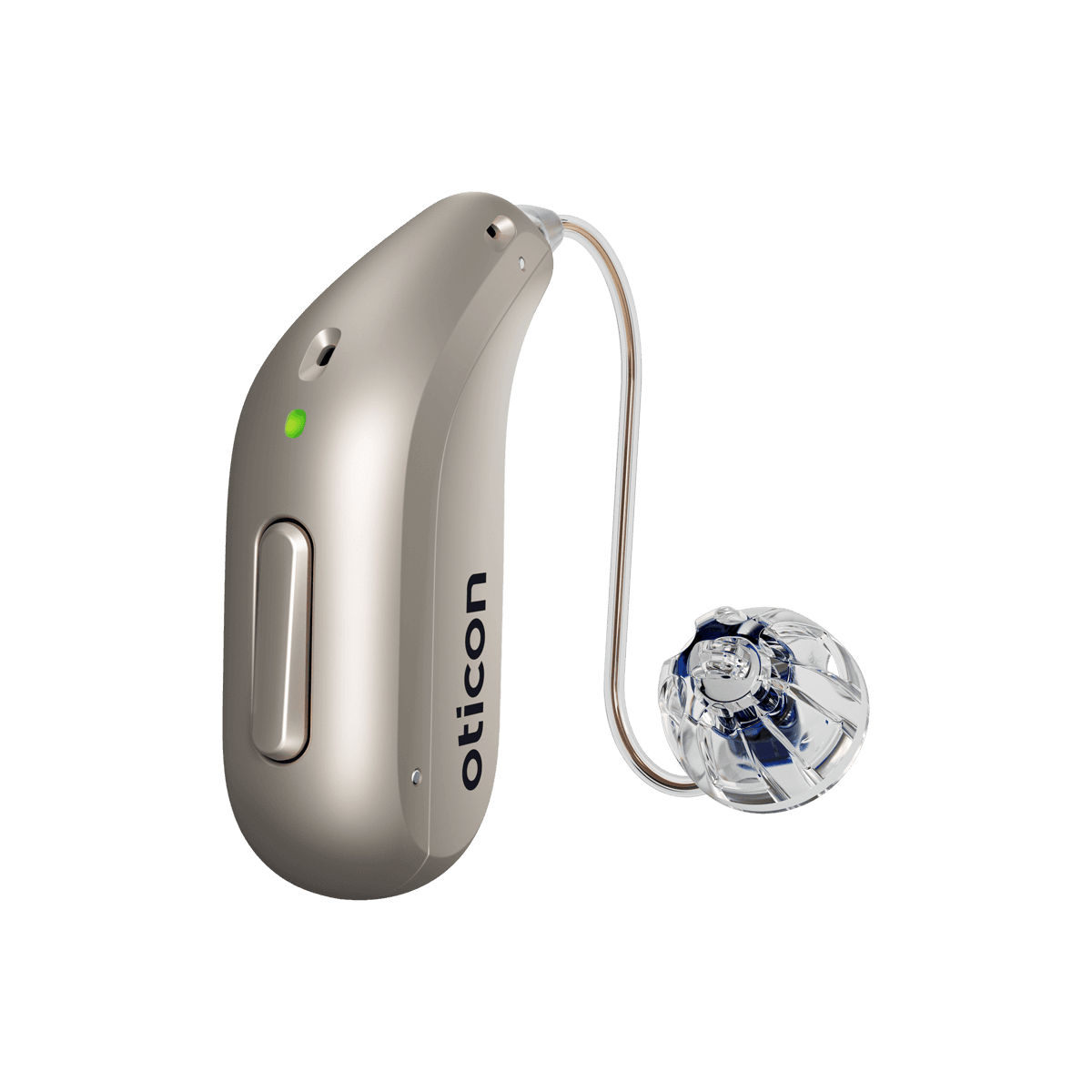
Photo: Oticon.
Oticon's U.S. product information says Reveal supports Bluetooth LE Audio and Auracast. Its hands-free calling guidance describes calls with compatible Apple devices and select LE Audio-compatible Android phones. An accessory can provide another connection route for some devices; check the Oticon compatibility guide and test the exact combination.
Ask: Does my phone support two-way LE Audio calls with Reveal, or will I need an accessory? Oticon notes that some Samsung Galaxy A55 and A56 users may experience crashes during LE Audio calls, so check its current guidance and available alternatives.
ReSound Sensia
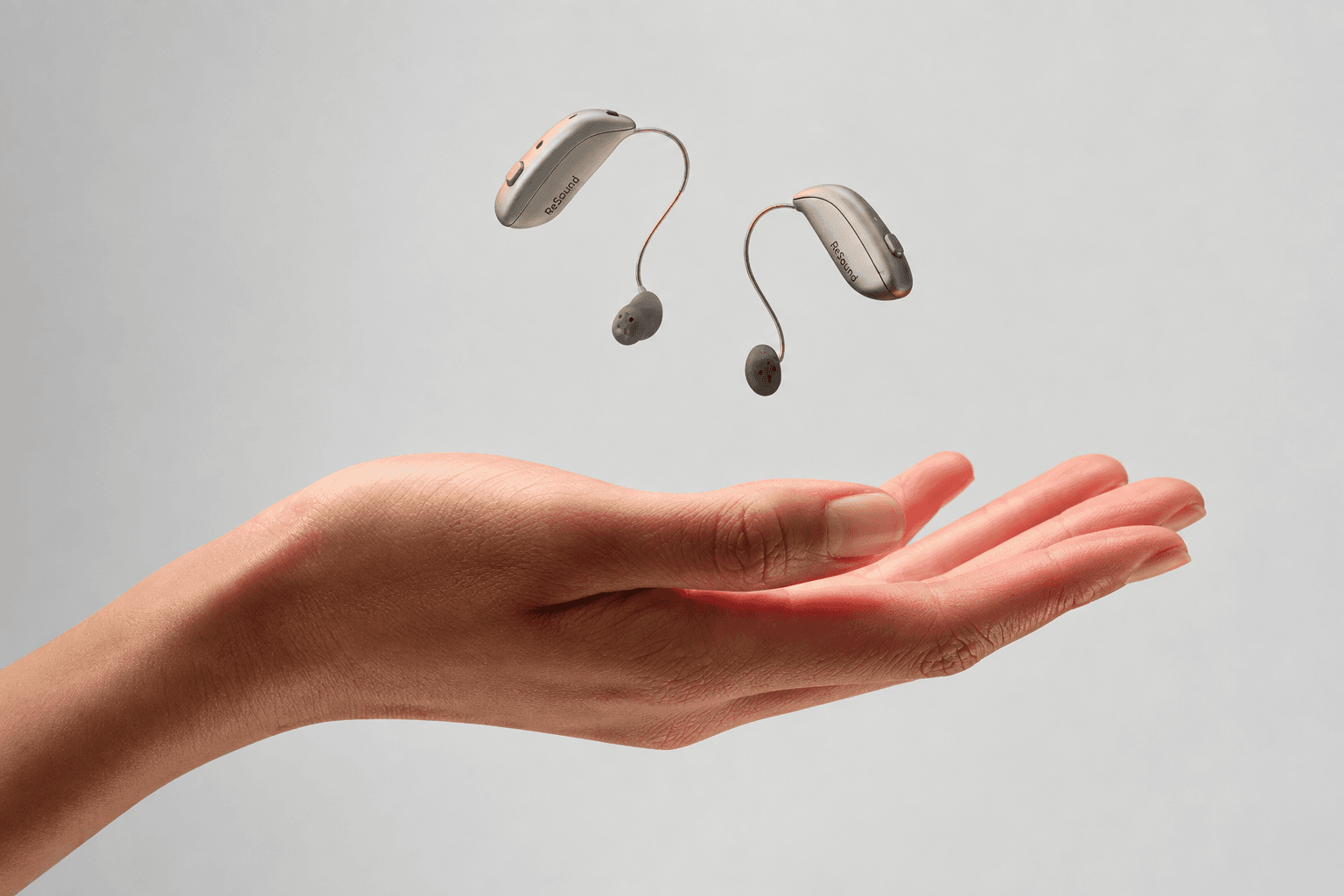
Photo: ReSound, as credited in the existing Singer article.
ReSound lists streaming, hands-free calls on compatible devices and Auracast access through its Smart 3D app for supported Sensia configurations. Its U.S. product page says hands-free calling on Apple devices requires compatible models and software and excludes completely-in-canal and battery-powered in-the-canal styles. Check its current compatibility information, especially for the exact style and phone.
Ask: Which Sensia style is being quoted, and can I use my phone for two-way calls without an added accessory?
What Is Auracast?
Auracast is a Bluetooth broadcast audio system. A compatible transmitter can send audio to nearby compatible receivers, including some hearing aids; a phone or app may help you find and join the broadcast. A theater, museum, television or other source must provide an accessible broadcast for you to hear it, and your hearing aid and any assistant device must support the needed functions.
The Bluetooth Special Interest Group explains how transmitters, receivers and assistants work together. Do not assume that every Bluetooth hearing aid or every public venue supports Auracast. Ask how to join a broadcast with the model you choose. For the technology behind broadcast audio, read our Auracast deep dive.
Test Your Phone Before You Choose
Bring the phone you use every day to your hearing aid appointment. Ask the audiologist to check its exact model, operating system and manufacturer compatibility list, and explain whether an app or firmware update is needed.
During a trial, make a call in a quiet room and another in a busier setting. Check whether the caller can hear you when the phone is away from your mouth, how you answer and end the call, and how to change call volume. If you use video meetings, voice messages or a computer, test those separately rather than assuming they behave like a phone call.
Ask about accessories, charging, total price, trial or return terms, warranty and help with pairing. A hearing aid fitting also needs to match your hearing and be comfortable for everyday use. If charging is also a priority, compare options in our 2027 guide to rechargeable hearing aids.
Make a Connection Plan
Good connectivity should support your daily routine. Request an appointment with Singer Audiology in Midtown Manhattan to discuss your hearing, your phone and the calls that matter to you.
Sources
- Phonak. Audéo EON Sphere product information (U.S.).
- Phonak. EON innovations and connectivity (U.S.).
- Phonak. Auracast and EON connectivity guide (U.S.).
- Oticon. Reveal product information (U.S.).
- Oticon. How to make hands-free calls with hearing aids (U.S.).
- Oticon. Compatibility guide.
- ReSound. Sensia hearing aids and compatibility (U.S.).
- Bluetooth SIG. Auracast: How it works.